
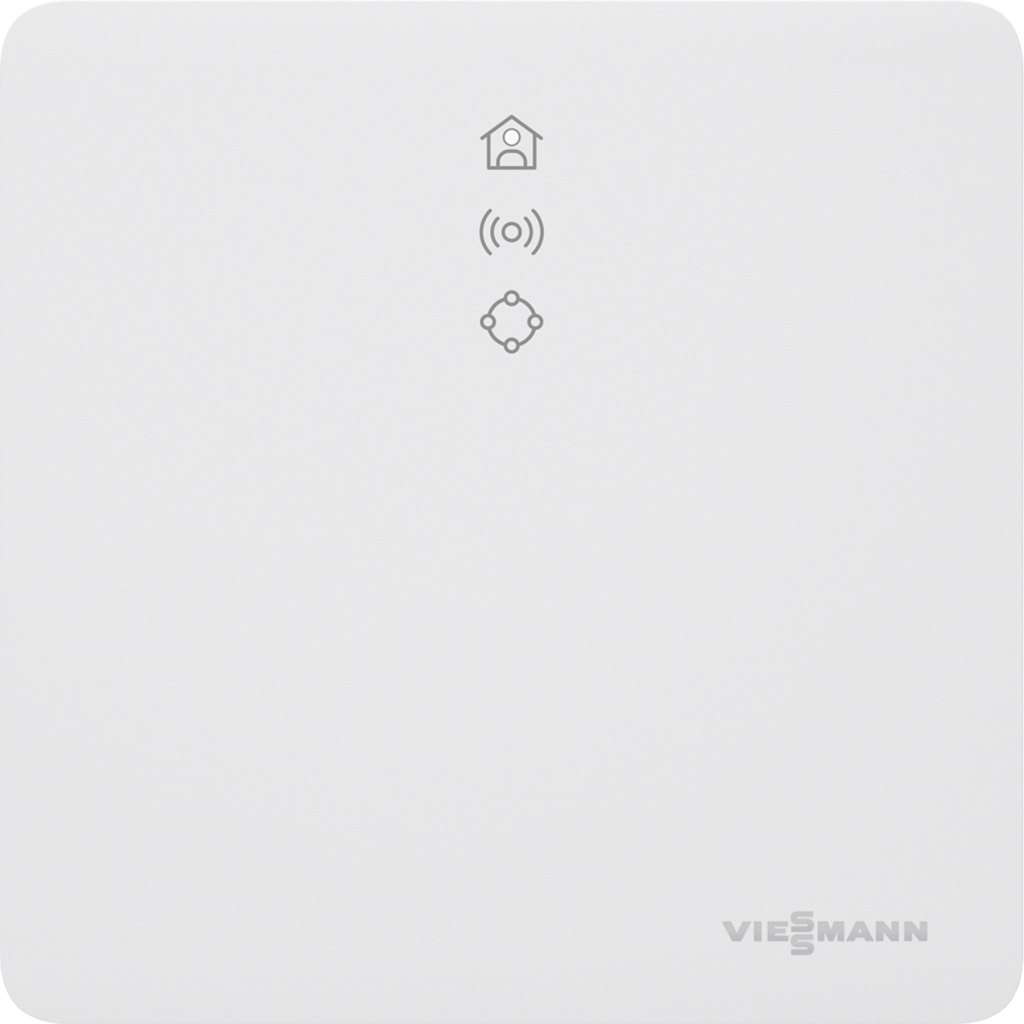
Vitoconnect – communication interface 01
Communication Interface

Connect your heating system to digital control

Vitoconnect links a compatible Viessmann heating system to online monitoring, smartphone control and remote support.

A connection between your boiler and Viessmann apps

Manage heating through ViCare

Remote maintenance using ViGuide

Security designed into the connection

Interested in getting a quote or would like more information?

Heating control on your own device

Use Vitoconnect as the link to ViCare on your smartphone or tablet.

Support without an unnecessary visit

Your contractor can use ViGuide to monitor and maintain the connected heating system remotely.

Tested information security

The security concept has passed the VDE Smart Home information security test.

Key features:

Bring connected control to your heating

Vitoconnect connects the boiler to the app, allowing smartphone or tablet operation and remote maintenance by a contractor using ViGuide. A cable links the module directly to a compatible Vitotronic heating control unit or the Ecotronic controller of a wood boiler.

Its security approach has successfully completed VDE Smart Home information security testing. Explore the supplied components, supported controllers and connection requirements below.

Installation and connection

Install and commission Vitoconnect before using the app to control the heating system. Choose a dry, frost-protected wall location with adequate WiFi coverage.

The connections on the underside provide power through the plug-in power supply and connect the module to the heating controller through the Optolink/USB cable. The heating control unit also has an Optolink/USB connection.

Create your account and finish setup

A valid ViCare account is required for commissioning.

1. Download ViCare and select “Create new account”.

2. Scan the QR code on the heat generator or invoice. If a code is unavailable, enter the manufacturing information and ID to register.

3. On Android, the device connects to the Vitoconnect WiFi automatically.

4. On iOS, leave the app, open device settings and connect manually to the Vitoconnect WiFi. Paste the WPA2 password from the clipboard, then return to ViCare.

5. Follow the app instructions to connect to your home network, enter your location and personal details, and accept the privacy policy and terms of use.

Two green LEDs at the top of Vitoconnect indicate that setup is complete.

Registering your new system extends its warranty and provides a system certificate containing all system details. If you have already connected through ViCare, the information recorded there can be used for registration.

Requirements for reliable communication

Full functionality depends on correct connection and configuration of both Vitoconnect and the heating controller, a permanent internet connection through a WiFi router, and a user account linking the module to the system.

• Check the local IP/WiFi network requirements before commissioning.

• Use an internet service without time or data-volume restrictions and ensure a strong WiFi signal; add a repeater if needed.

• To keep messages available during a power outage, connect both Vitoconnect and the router to an uninterruptible power supply (UPS).

• Protect the router with a strong WPA2 password because the connection carries sensitive information.

• Leave at least 0.3 metres between Vitoconnect and the heat generator.

• Open port 443 for HTTPS and port 123 for NTP in the firewall.

• Find the MAC address on the device label.

Understand the status indicators

Three LEDs report the connection to the heat generator, the connection to the Viessmann server and the system’s functions. Their traffic-light-style signals help identify the current status. Refer to pages 23–25 of the linked operating instructions for fault messages and remedies.

Product Details:

Product Details Title Product Details Content
What's included in the standard delivery?
  • The following components are included as standard with every Vitoconnect:
  • Wall mounted communication module for connecting to the broadband router
  • Power cable with plug-in power supply unit (1.5 m long)
  • Connecting cable with Optolink connection for communication module/boiler control unit (3 m long)
Communication
  • Via Optolink interface with the boiler control unit
  • Via WiFi with the DSL router
Connections
  • Plug-in power supply unit (230 V / 50 Hz)
  • Connecting cable for communication module/Optolink connection
  • WiFi communication for connection to the internet
Supported control units
  • All Viessmann heat generators with Vitotronic control unit including the Optolink interface can be connected to the Vitoconnect. See the list below for compatible models:
  • Control units for wall mounted or storage combi boilers
  • Vitotronic 200, types HO1, HO1A, HO1B, HO1D, HO2B, HO2C
  • Vitotronic 200 RF, types HO1C, HO1E
  • Control units for floorstanding boilers
  • Vitotronic 200, type KO1B, KO2B, KW6, KW6A, KW6B, KW1, KW2, KW4, KW5
  • Vitotronic 300, type KW3
  • Control units for heat pumps and hybrid appliances
  • Vitotronic 200, types WO1A, WO1B and WO1C
  • Control units for solid fuel boilers
  • Vitoligno 200-S with Ecotronic (from software version 2.03)
  • Vitoligno 250-S with Ecotronic (from software version 2.00)
  • Vitoligno 300-C with Ecotronic (from software version 2.12)
  • Vitoligno 300-P with Vitotronic 200 FO1
  • Vitoligno 300-S with Ecotronic (from software version 2.04)
  • Vitoconnect OT2 is compatible with all new Viessmann heating appliances with an OpenTherm interface that were produced after October 2017 and do not have an OpenTherm extension installed. These are:
  • Vitodens 1xx-W (WB1B, WB1C, B1HA, B1KA, B1LA, B1LB, B1HC, B1KC, B1LD)
  • Vitodens 050-W (BPJC, BPJD)

Product Downloads:

ViBooks - documentation, manuals, and instructions

In our ViBooks database, you can find the operating, installation, and service instructions you need, as well as technical guides, price sheets, printed marketing materials, and many other documents for your Viessmann products.

Warranty Information:

Whether stainless steel radial heat exchangers, stainless steel cylinder or components in the Vitodens 100-W: Viessmann products are characterised by their outstanding quality, resource-preserving technology and maximum efficiency. Which is why we offer a guarantee of up to 5 years on boiler components and 10 years on radial heat exchanger (subject to terms and conditions).

Online warranty registration

Register your product warranty online and enjoy a comprehensive coverage and after-sales service for your products.